
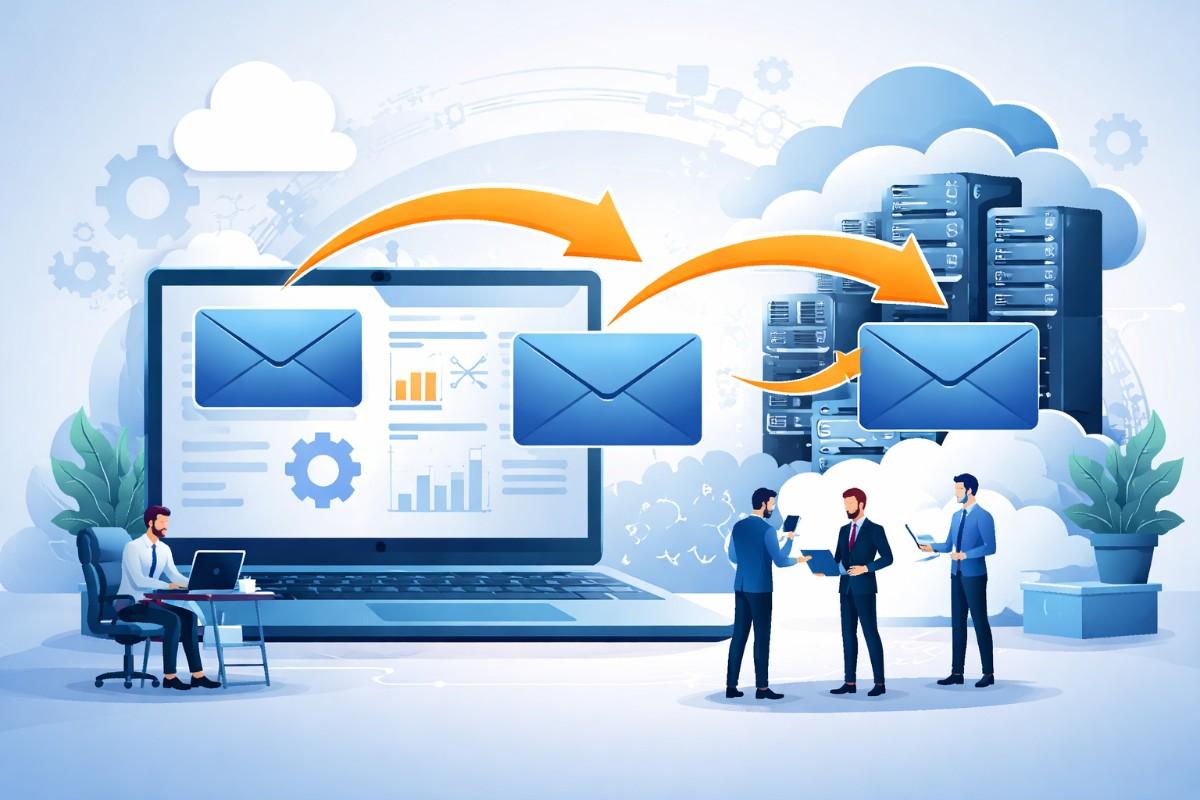
Email remains a mission-critical communication system for enterprises. Over time, organizations may need to move email data due to mergers, platform upgrades, cloud adoption, or changes in compliance requirements.
Managing this transition manually can be risky and inefficient, which is why enterprise email migration software plays a vital role in large-scale email projects.
Unlike individual email transfers, enterprise-level migrations involve thousands of mailboxes, complex permissions, shared folders, and strict security standards.
A structured migration approach is essential to ensure business continuity and data integrity throughout the process.
Understanding Enterprise Email Migration
Enterprise email migration refers to the process of transferring emails, calendars, contacts, and related metadata from one corporate email system to another. This may involve moving data from on-premise servers to cloud-based email platforms or between different enterprise email environments.
Enterprise email migration software helps organizations automate and manage these complex transitions. It ensures that email data is transferred accurately while maintaining folder structures, timestamps, and access permissions.
Why Enterprises Require Specialized Migration Software
Large organizations face challenges that smaller teams do not. Email environments often include distributed users, global offices, legacy systems, and regulatory obligations. Manual or basic migration methods are not scalable in such scenarios.
One of the primary reasons enterprises rely on enterprise email migration software is risk reduction. Data loss, prolonged downtime, or security breaches during migration can disrupt operations and damage trust. Migration software introduces control, visibility, and repeatability into the process.
Another key factor is time efficiency. Automated mailbox migration allows IT teams to complete transitions faster while minimizing user disruption.
Core Features of Enterprise Email Migration Software
Effective enterprise-grade migration solutions share several critical features that support complex environments.
Scalability and Performance
Enterprise migrations often involve high mailbox volumes and large data sizes. Migration software must support parallel processing and load balancing to ensure consistent performance.
Security and Compliance
Data security is a top priority. Migration tools typically support encryption, access controls, and audit logging to align with corporate governance and compliance standards.
Preservation of Data Structure
Emails, folders, shared mailboxes, calendars, and permissions must remain intact after migration. Maintaining data integrity ensures minimal post-migration support issues.
Minimal Downtime
Modern enterprise email migration software supports staged or incremental migration. This allows organizations to move data while employees continue using their email systems.
Common Enterprise Email Migration Software
Enterprises migrate email data for various strategic and operational reasons. One common scenario is organizational restructuring, such as mergers or acquisitions, where multiple email systems need to be consolidated.
Another frequent use case is infrastructure modernization. Moving from legacy on-premise email servers to cloud-based corporate email systems requires careful planning and execution. Email migration software provides the necessary tools to manage such transitions efficiently.
Challenges in Enterprise Email Migration
Despite careful planning, enterprise email migration presents several challenges. Legacy systems may store data in outdated formats, making compatibility a concern. Large mailbox sizes can also strain network bandwidth and system resources.
User experience is another critical factor. Extended downtime or missing emails can impact productivity. Enterprise email migration software helps mitigate these risks by providing monitoring tools, error handling, and validation mechanisms.
Best Practices for Enterprise Email Migration
A successful migration starts with assessment. Organizations should analyze existing email infrastructure, mailbox sizes, and data types before initiating the process.
Pilot migrations help identify potential issues early. Testing with a limited group of users ensures that workflows, permissions, and data accuracy meet expectations. Clear communication with employees is equally important to reduce confusion during the transition.
Post-migration validation is essential. Verifying that all data has been transferred correctly and that systems are functioning as expected helps ensure long-term stability.
Long-Term Benefits of Enterprise Email Migration Software
Beyond the migration itself, organizations benefit from improved email system performance, better data management, and simplified administration. Migrated systems often support advanced collaboration features and improved disaster recovery options.
By using enterprise email migration software, organizations also gain the flexibility to adapt to future technology changes without repeating complex manual processes.
Final Remarks For Business Owners
Gration at the enterprise level is a complex operation that requires careful coordination, security awareness, and technical precision. Enterprise email migration software provides the structure and reliability needed to manage large-scale email transitions with minimal risk and disruption.
By understanding migration requirements, addressing challenges proactively, and following best practices, enterprises can ensure that their email data remains secure, accessible, and aligned with long-term business objectives.
Frequently Asked Questions
What is enterprise email migration software?
Enterprise email migration software is designed to transfer emails, calendars, contacts, and mailbox data between large-scale email systems while preserving structure and security.
Why is enterprise email migration complex?
Enterprise environments often include thousands of users, shared mailboxes, permissions, and compliance requirements, making manual email migration risky and inefficient.
What data is included during enterprise email migration?
The migration process typically includes emails, attachments, folders, calendars, contacts, and mailbox metadata such as timestamps and access permissions.
How does enterprise email migration software reduce downtime?
Most enterprise solutions support staged or incremental migration, allowing users to continue working while data is transferred in phases.
Is data security maintained during enterprise email migration?
Yes, enterprise email migration processes usually include encryption, access controls, and audit logs to protect sensitive business communications.